



 Deutsch CO
  Español CO
  Francais CO
  Italiano CO
  Nederlands CO
  Português CO
  русский CO
  中国的 CO
How do I search for an article?
Wireview
Open Wireview and select the needed model and model year - example Macan S - MY 2014.
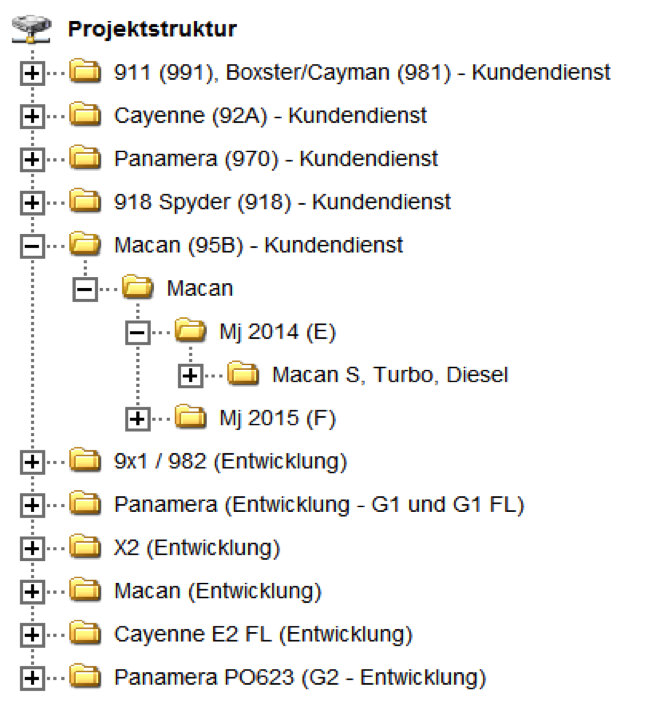
Select the required diagram - Example: (09A) door driver side. Identify the effected component/connector – Example: memory module/switch.
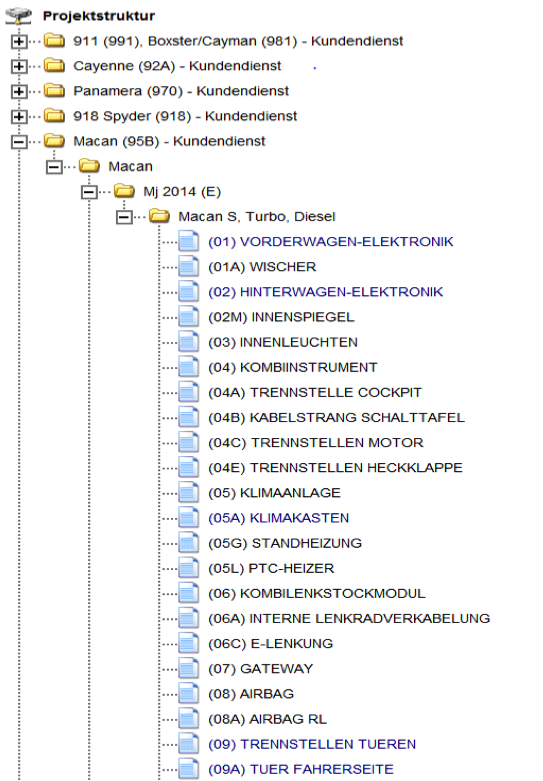
Identification of an item
Cdivck on one of the pins which belong to the required connector.
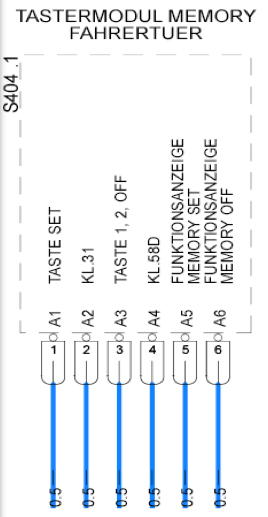
A pop up will open including the connector name and part number.
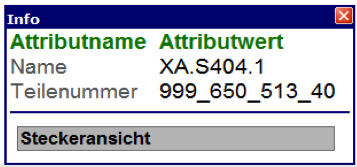
Press “connector view” to see the connector.
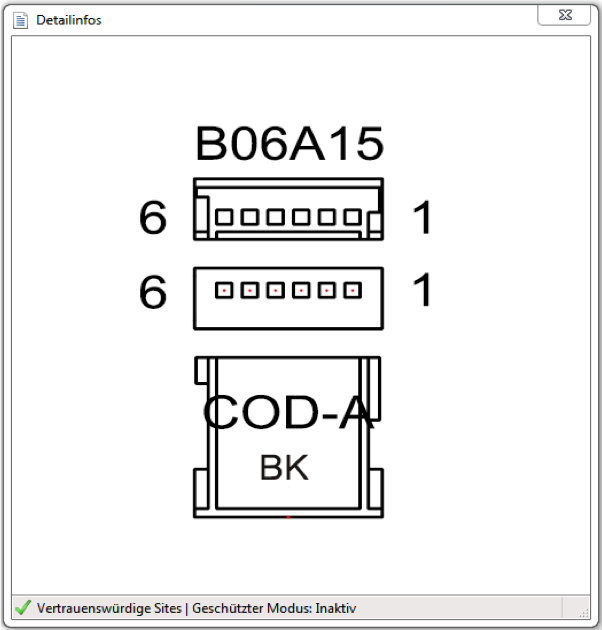
Note down the part number of the connector.
Enter the part number
Please enter part numbers without spaces or punctuation marks.
Additional search functions
Content of an article
On the product card you find all available informations clearly arranged. In addition to the filterable specifications here also can be found use aids in form of videos and documentation PDFs, as well as divnks to appropriate references such as repair wires.